Photorealistic Simulations with an iPhone
Dec 22, 2025
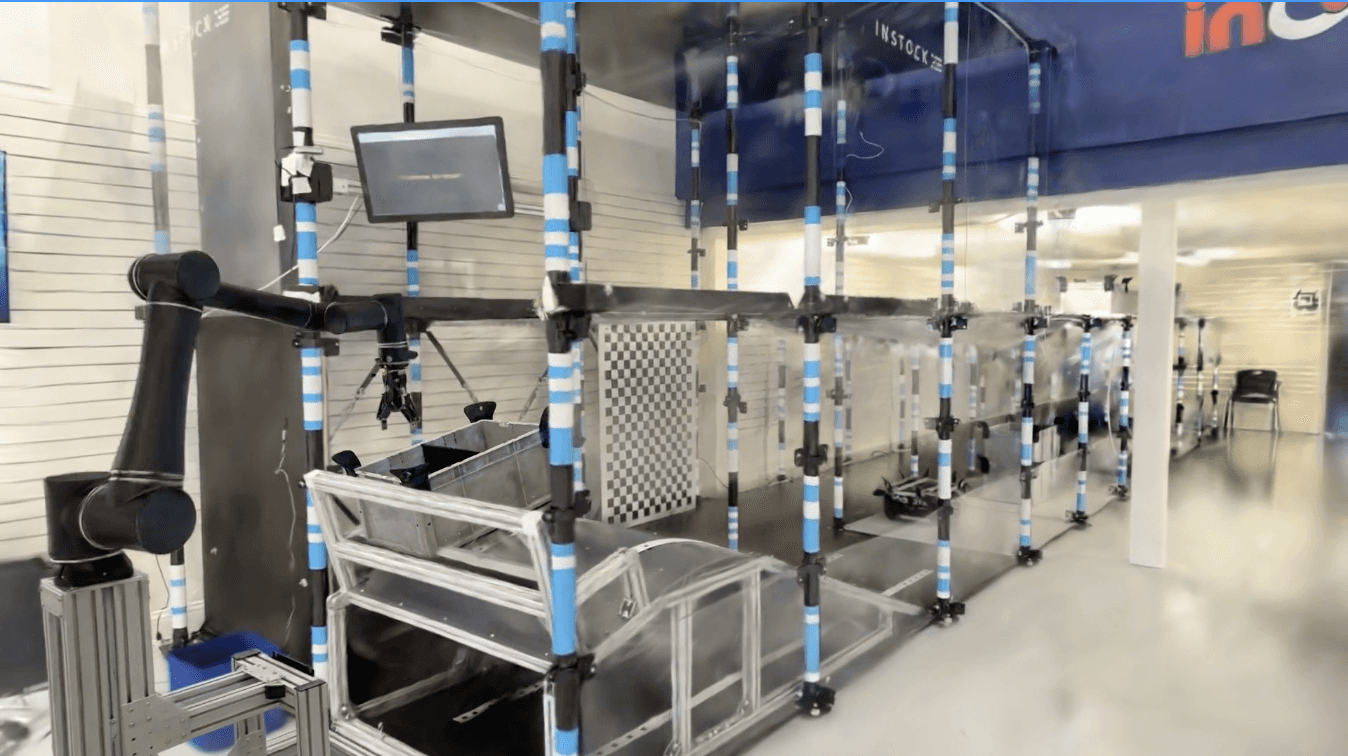
Photorealistic Simulations Using an iPhone on Parallax
Robotics simulations can take anywhere from weeks to months to set up as engineers find accurate CAD models, configure robots, and apply accurate physics. Parallax's platform automates the bulk of this process end-to-end with AI, and allows users to set up & run robotics simulations from just a browser.
Step 1: Record your Scene with our iOS App on any iPhone Pro
Open the Parallax iOS App, and simply walk around the robot cell, capturing different angles and views of everything you want to capture. This process usually takes less than 10 minutes for a typical robot cell. Once done, you can upload the file directly to our cloud where it is processed, and that's it!
Our video-to-3D model then processes your upload to train a photorealistic 3D Model that has an average error of 3mm, with a maximum error of 1 cm on regions that were recorded. You can view the model & make all of these measurements directly on our website from any computer — no downloads required!
Step 2: Build 3D Assets from a single image
To build 3D assets of a general object, you do not need to record a video, and can simply take an image of the object using our app, which will convert it directly into a photorealistic 3D Model!
In addition to 3D Models, our AI agents also automatically estimate the physical properties and material of each object so that you don't have to set them up manually!
Step 3: Create your Scene Layout
Now, you have high-quality assets of the cell, robots, and objects. Before you run your simulation, all you need to do next is lay out the scene on your browser, right on the Parallax website.
Step 4: Download Assets & Run!
Once you're done, you can download the 3D objects, their physics properties and your scene layout configuration in a zip file. The Parallax Python SDK makes it straightforward to launch an IsaacSim simulation with this zip file using just one python command!